Before You Tap Emergency: A 2026 Audit for Campus Safety Apps and Location-Sharing Tools
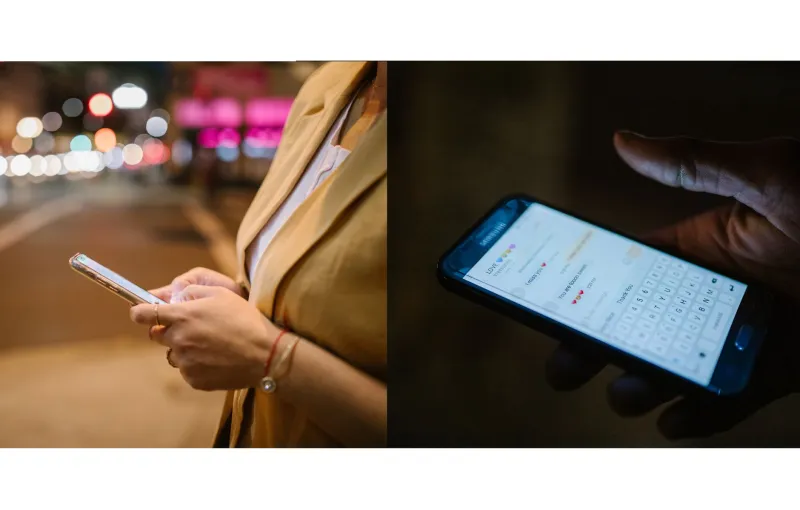
A campus safety app can feel like a digital guardian: one icon, one tap, one promise that help is close. That promise deserves an audit. Before students and parents trust the icon on a phone, they should test what it actually does, who receives the message, and what happens when the network is slow, the battery is low, or the alert is accidental.
The 2026 app landscape is crowded with campus-run platforms, third-party location-sharing tools, and emergency-alert systems. Each has a role, but none should be treated as a replacement for a personal safety plan. An app can shorten the distance between a problem and a response. It cannot make the response happen by itself.
Start With the Response, Not the Download
Begin with a simple question: who answers? For a campus app, confirm whether an alert reaches campus police, a private security desk, a dispatcher, or only a list of friends. Ask about hours, average response, and whether the app places a call or sends a message. If the app only notifies selected contacts, it is a communication tool, not emergency dispatch. Verify the answer with the campus safety office before relying on the feature.
Test Permissions Before You Need Them
Permissions are the price of the service. Check whether the app needs precise location, background location, notifications, critical alerts, contacts, camera, or microphone access. Grant only what the feature requires, and review the settings after each update. A safety app that drains a battery or collects unnecessary data creates its own risk. Read the privacy summary, and decide whether the tradeoff is acceptable for the student, not just for the download counter.
Run a Battery and Connectivity Stress Test
A safety app is only useful if it works when the day goes wrong. Use it for a full day, including a low-power mode test and a walk through a known dead zone. Confirm whether it works on cellular data, Wi-Fi, or both, and whether basic instructions remain available offline. Check how much battery it consumes in the background. A portable charger is not glamorous, but it is part of the system.
Practice the False-Alarm Procedure
Every alert button should come with a cancel procedure. Find out whether the app offers a test mode, how long the cancel window lasts, and what happens if the alert is sent by mistake. If a false alarm occurs, call the receiving office and the relay contacts, explain the error, and confirm that the response has stopped. Students should also check where the button sits on the screen. A poorly placed button can turn a pocket reach into an accidental dispatch.
Separate Location Sharing From Emergency Dispatch
Location sharing can be helpful during a walk home or a late-night trip, but it is not the same as emergency response. Use temporary sharing when possible, and decide in advance who sees the location and for how long. Review the privacy tradeoffs with roommates and family. A shared map can offer reassurance, but it should not create a false sense that someone is watching out for every risk.
Audit the Gap Between Alert and Action
Digital alerts start a process. Real-world response still depends on an address, a building name, a room number, and a way for responders to reach the student. Students should know the nearest blue-light phone, the campus escort number, the resident adviser contact, and a safe meeting point. If the app fails, the plan should still work. That is the standard: the app is an aid, not the foundation.
Build a Paper and People Backup
Keep emergency contacts in the phone and in a wallet. Write down the campus safety number and one family contact. Tell a roommate or friend about the plan, and agree on what to do if a check-in is missed. A paper backup is not a sign of distrust in technology. It is a recognition that batteries die, signals drop, and people need a second route.
Review Settings Each Semester
App permissions, contacts, and features change. Make the audit a semester habit: update the app, check the permissions, test the alert path, confirm the emergency contacts, and delete tools that are no longer used. The goal is not to collect safety icons. The goal is to know which ones work, which ones do not, and which parts of the plan belong to people rather than software.